Charity Golf Outings Have Gone Cashless.
Have You?

Cashless payments, made simple, for charity golf outings — raise more for your cause.

Download for Free

Secure credit card processing for charity golf outings, powered by Stripe.

41% of Americans make zero cash purchases in a typical week.

41%

(Pew Research Center, 2022)

78% of U.S. shoppers prefer to pay with cards over cash for in-person payments.

78%

(Capital One Shopping Research, 2026)

2x shoppers were willing to pay up to twice as much when paying by card instead of cash.

Up to2x

(MIT (Prelec & Simester), 2001)

Why Charity Golf Outings Choose Golfund

More Money. More Hands.
Bigger Payoff

Three reasons cashless makes cents for your charity golf outing.

Raise More Per Transaction

Cash pricing gets capped by round bill amounts — $20 for two mulligans because that's one easy bill to collect, not what they're actually worth. Remove the cash constraint, and pricing can finally reflect what golfers would pay.

Shoppers pay up to 2x more by card than cash — MIT (Prelec & Simester)
Every Volunteer Collects

A cash box means one line, no matter how many volunteers showed up to help. With Golfund, any team member's iPhone is its own checkout: registration, the course, and the auction table, all running at once.

1 cash box vs. as many iPhones as you have volunteers

Small Fee. Bigger Payoff.

Cash has zero fee, that’s true. Stripe charges 2.7% + 15¢ per Tap to Pay transaction. Golfund’s optional 3% platform fee is paid by the buyer, not your charity. The Pricing section covers it in detail. Here’s what that looks like across a 120-golfer outing selling mulligans the cashless way, one tap per golfer:

120 mulligans, $20 → $25
$3,000 total
Gained from the higher price
+$600
Tap to Pay processing (2.7% + 15¢ × 120 taps)
−$99
Net gain
$501
8 Built-In Fee Categories for Charity Golf Outings

Every Way Your Charity Golf Outing
Raises Money

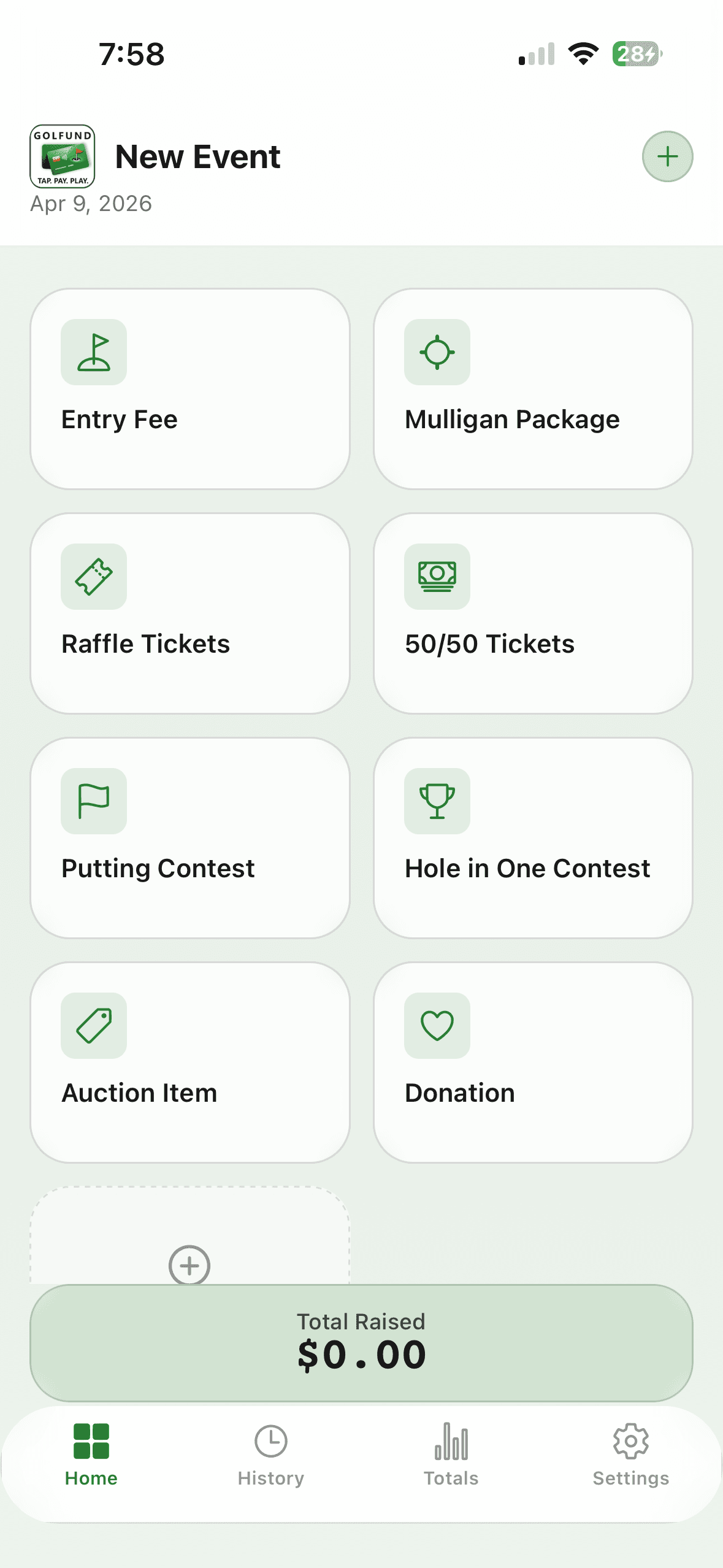
From entry fees at registration to auction checkout at the end of the night — Golfund has a category ready for each one, plus the option to build your own.

Entry Fee

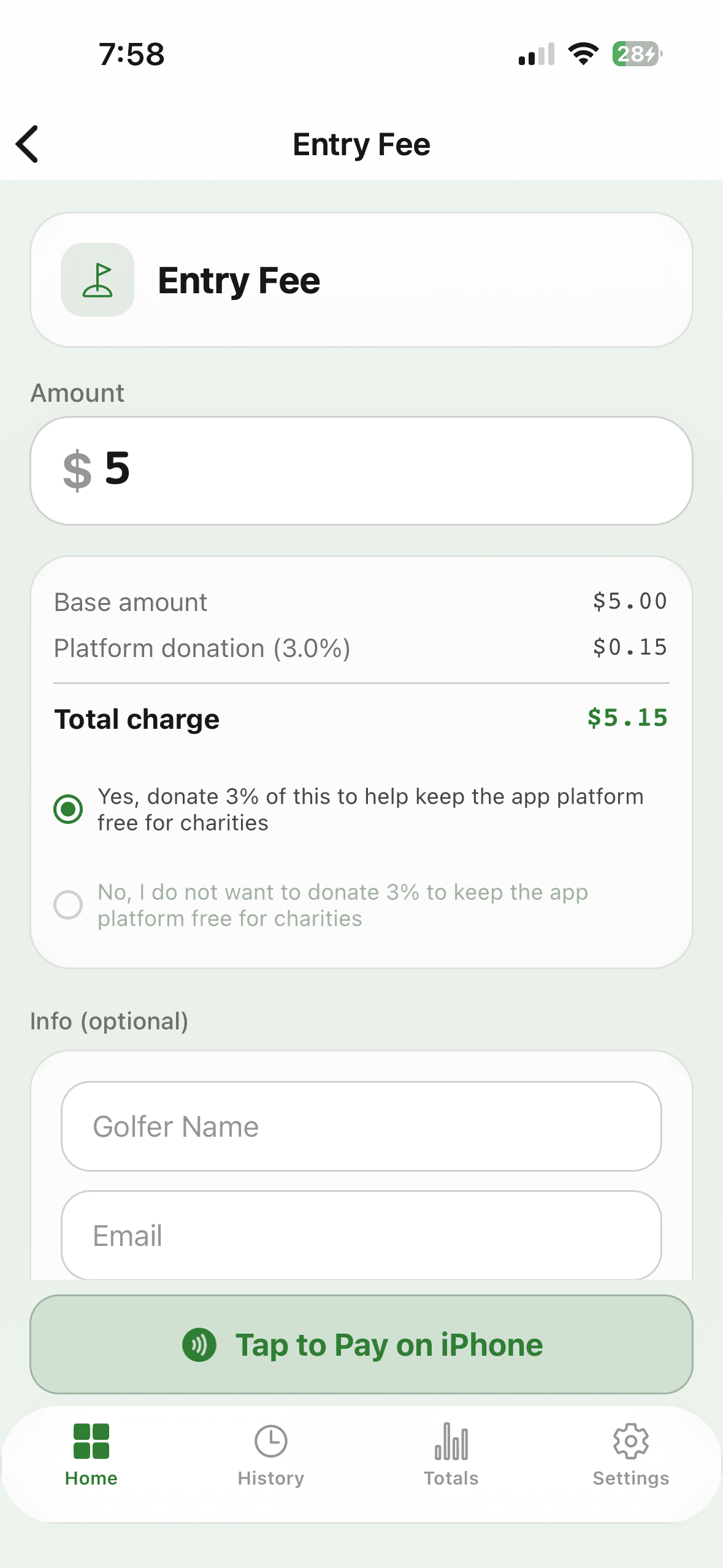
Accept credit card payments for player registration the moment golfers check in.

Mulligan Package

The mulligan sales app for charity golf outings — sell individually or bundled into a Masters Package.

Raffle Tickets

A raffle ticket app for golf outings — sell by the item or in quantity tiers, all day long.

50/50 Tickets

The 50/50 raffle payment app for instant, cashless split-the-pot entries.

Putting Contest

A putting contest entry fee app for qualifying attempts, right on the green.

Hole in One Contest

Hole-in-one contest payment collection at registration, before golfers hit the course.

Auction Items

Process auction payments by credit card fast. A volunteer's own iPhone becomes the register.

Donation

Accept credit card donations to your cause, tracked separately from paid entries.

Plus Custom Categories

Need something else? Build a custom fee category with any name and price — as many as your charity golf outing needs.

How Charity Golf Outings Use Golfund

From setup
to settlement.

Five steps to get your charity golf outing collecting cashless payments — from download to final report.

Charity Golf Outing App Demos

Every screen, every tap,
a couple of minutes each.

Four short walkthroughs showing how charity golf outings use Golfund — setup, event day, your team, and the things that go sideways.

  1. 01One-time setup2:22

    Setting Up Golfund

    Everything between downloading the app and your first tap: create your account, set up your first outing, meet Tap to Pay, and link the bank account your money lands in.

    What it covers

    • Creating your account
    • Setting up your first outing
    • Meeting Tap to Pay on iPhone
    • Linking your bank account through Stripe
    • Getting ready for event day
  2. 02Event day2:18

    Taking Payments at Your Event

    The whole flow in about fifteen seconds: choose a category, set the amount, and have the golfer tap their card on the top of your iPhone.

    What it covers

    • Preset amounts and free-form entry
    • The optional 3% platform donation
    • Tap to Pay on iPhone, live
    • When a card won't tap: manual entry
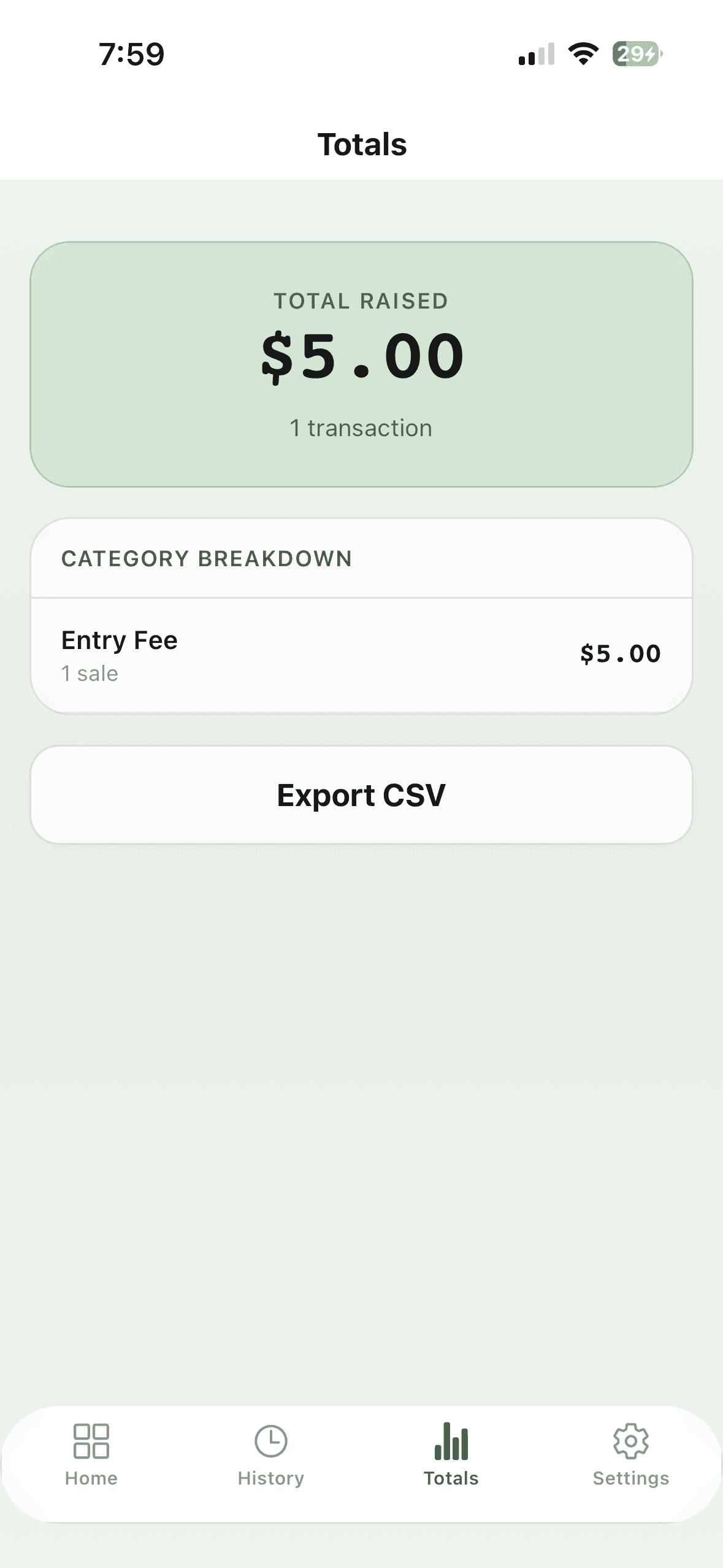
    • Totals, history, and sharing a receipt
  3. 03Your team1:44

    Adding Event Staff

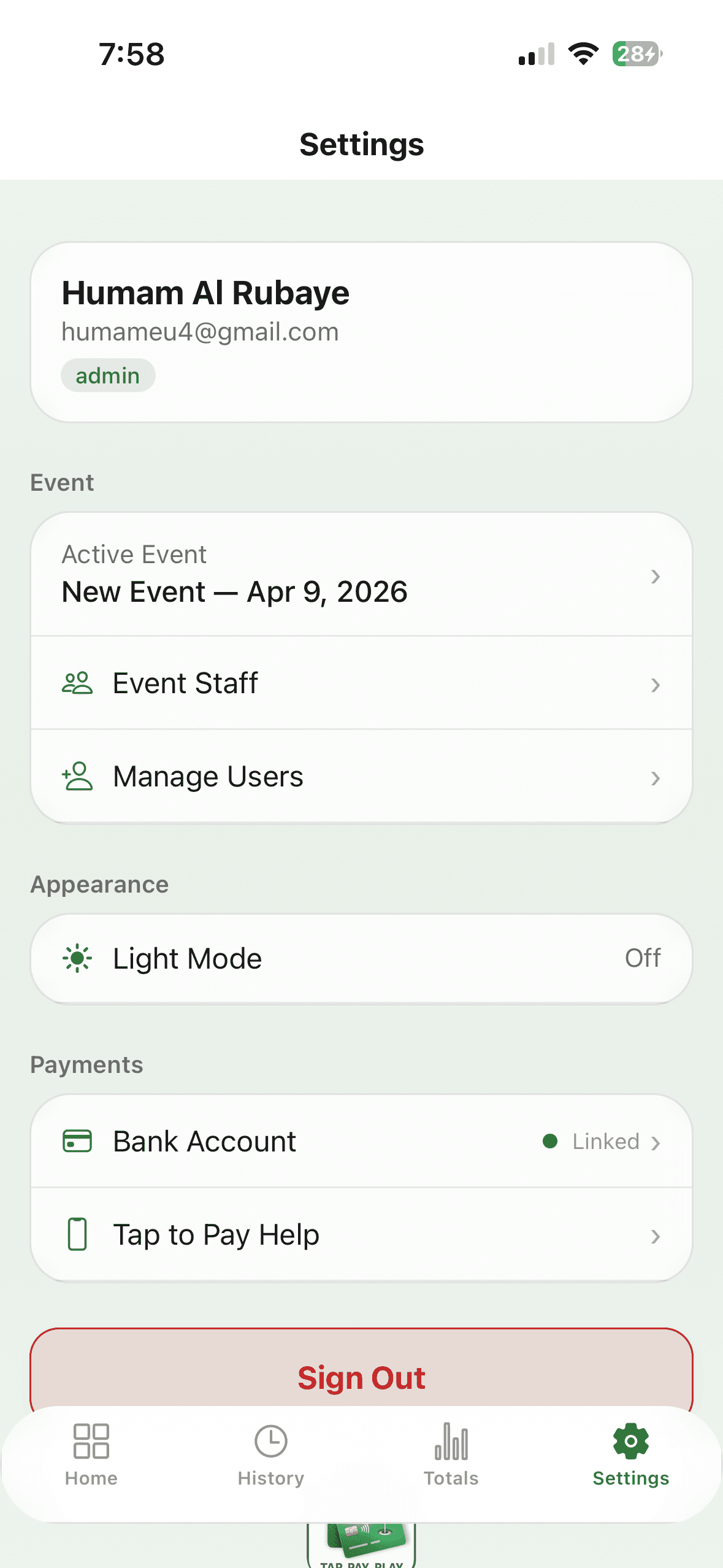
    Bring volunteers onto your event so everyone can collect. People who already have Golfund are added instantly; everyone else gets an invite link — and once they're in, promote, demote, or remove them from the same screen.

    What it covers

    • Settings, then Event Staff
    • Adding and inviting people by email
    • The invite, from your volunteer's side
    • Promoting to Admin, removing staff
  4. 04Corrections1:06

    Processing Refunds

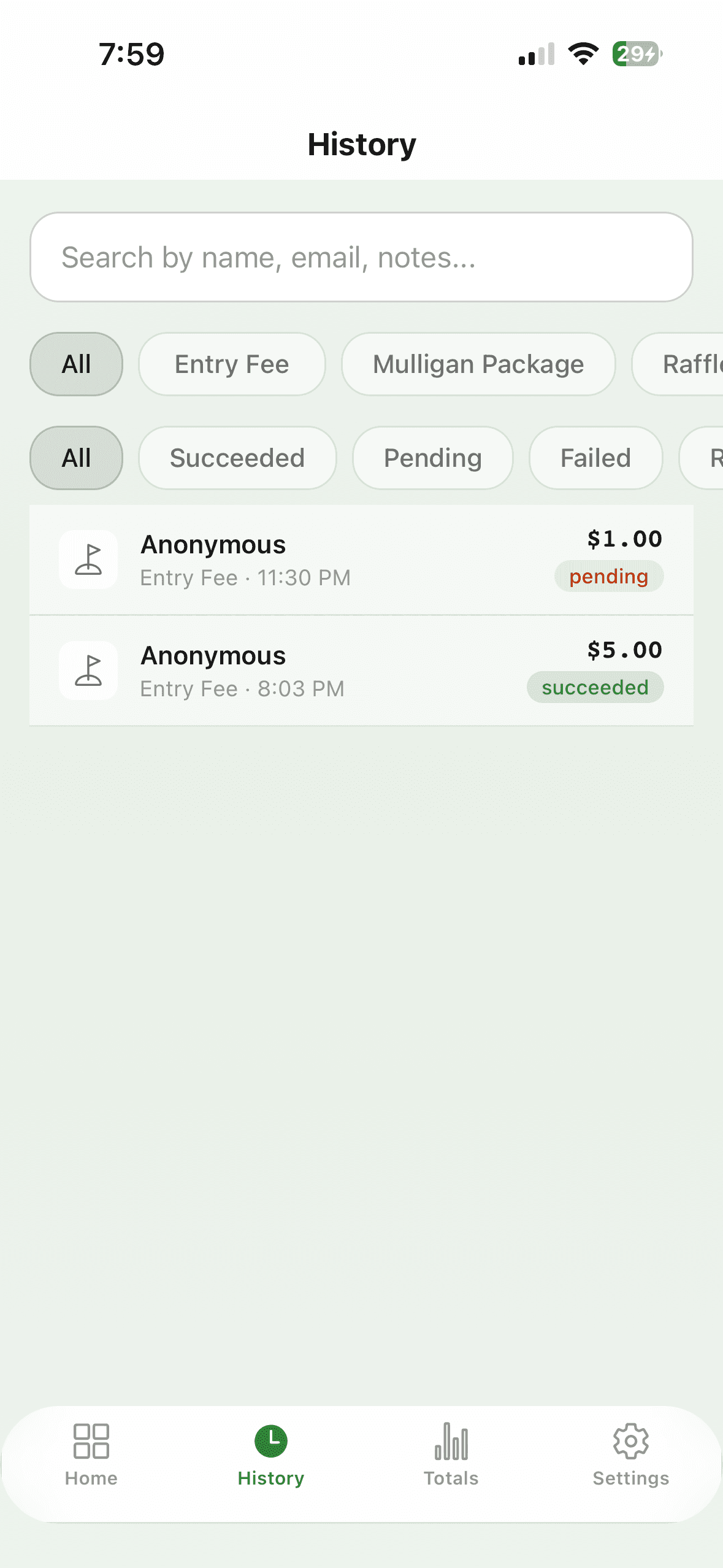
    Someone changed their mind, or you fat-fingered an amount. Find the transaction in History, scroll down, confirm — the money goes straight back to the card.

    What it covers

    • Finding a transaction with search and filters
    • Verifying the amount and fee breakdown
    • The Refund button and its confirmation
    • Watching the status flip to Refunded

Four walkthroughs are live above. They're also in the app, under Settings → Video Guides.

Get the app
Pricing for Charity Golf Outings

More for the cause,
less for the overhead.

No monthly fees. No equipment to buy. No contracts. Just standard credit card processing for your charity golf outing, plus an optional fee to keep Golfund free.

Required · Set by Stripe

Card Processing Fee

This is the standard cost of accepting a credit or debit card, charged by Stripe, not Golfund, and deducted from your charity’s own Stripe payouts. Tap to Pay is the in-person rate you’ll pay at the course; manual card entry and sponsor payment links use Stripe’s online rate.

Tap to Pay on iPhone (in person)
2.7% + 15¢
Manual card entry & payment links
2.9% + 30¢

Charged on every transaction, whether or not the buyer accepts the platform fee below. Stripe offers approved 501(c)(3)s a discounted online rate (2.2% + 30¢), requested from Stripe directly, for online card payments only; Stripe publishes no nonprofit rate for Tap to Pay.

Optional · Paid by the Buyer

Platform Fee

A small, optional contribution offered to the person paying, not your organization, to help keep Golfund free for charities. It can be declined with one tap.

Added on top, only if accepted
3%

If the buyer accepts it, the 3% is added to their total. It never comes out of your amount. If they decline, Golfund takes nothing. The one exception is manual card entry, which always includes the 3%. Stripe’s processing fee applies either way.

$0 setup$0 monthly$0 equipment$0 contracts
  • Tap to Pay on iPhone
  • Unlimited events
  • 8 built-in fee categories + custom
  • Real-time running totals
  • Full payment history + downloadable reports
  • Funds paid directly to your charity's bank account
  • Team roles and permissions
  • Multi-event management
  • Priority support
Secure card payments
Highest card-security standards
Bank-level security
No extra equipment needed

Your next tournament deserves
to raise more.

Download Golfund free for iPhone. Set up your first event in under sixty seconds.

Download for Free
Live on the App Store
iPhone XS or newer, iOS 16.7+

On Android?

Golfund is iPhone only for now. Leave your email and we'll let you know when the Android app launches.

No credit card required. Every payment protected with bank-level security. Your data stays yours. Golfund is operated by Golf Outing Productions, LLC.